Home / Foam Store / Foam Designer

Free online tool · no sign-up

The Foam Designer.

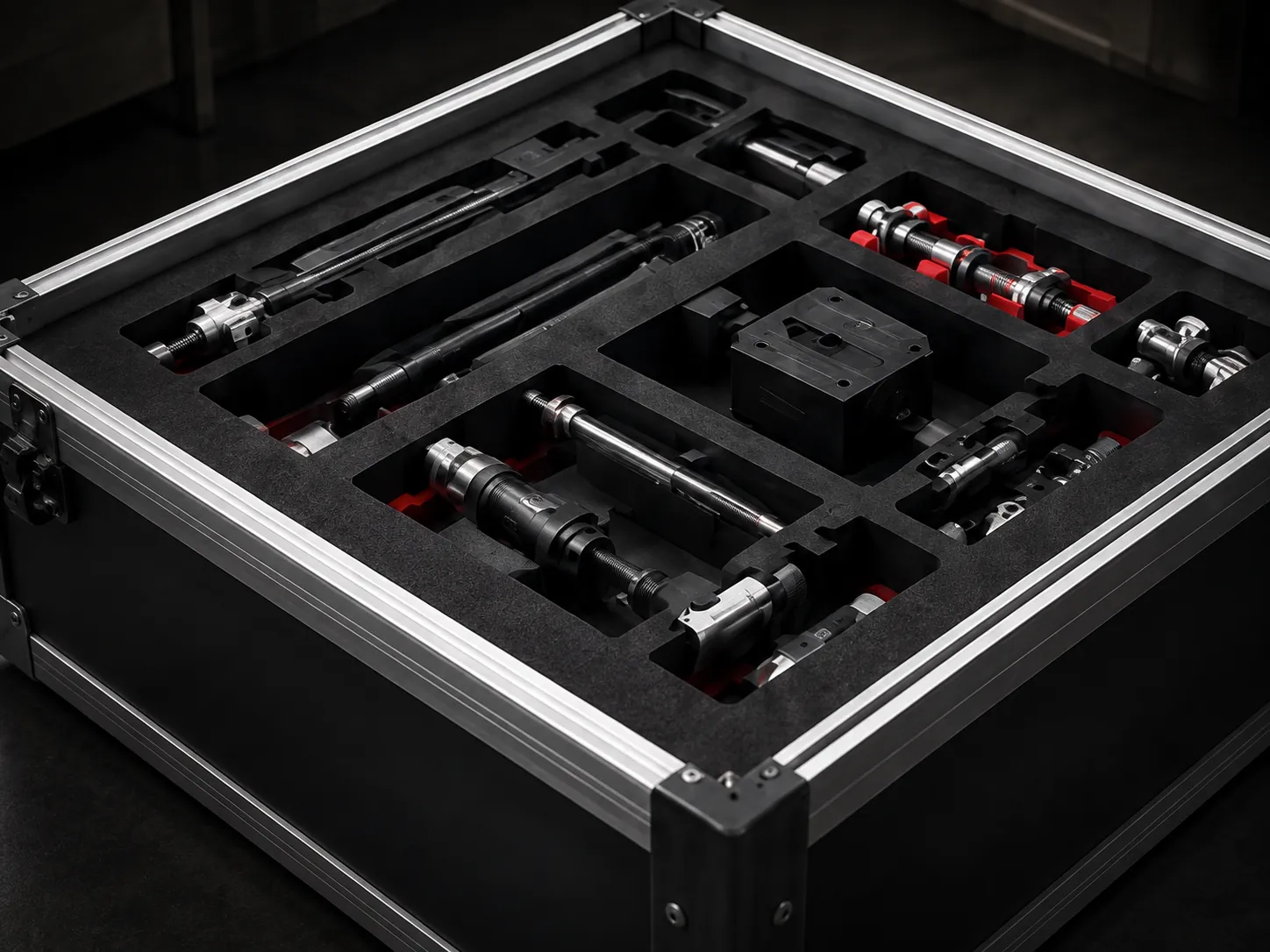
Turn one photo of your things into foam that fits them. Design it in your browser, see the price as you go, and we cut it for you in Richmond, BC.

Send photos of my tools

The Foam Designer needs a computer or tablet screen. On a phone, send us photos of your tools and we lay the insert out for you.
  • Free to use
  • Price shown live
  • From C$110 an insert
  • Proudly Canadian owned + operated
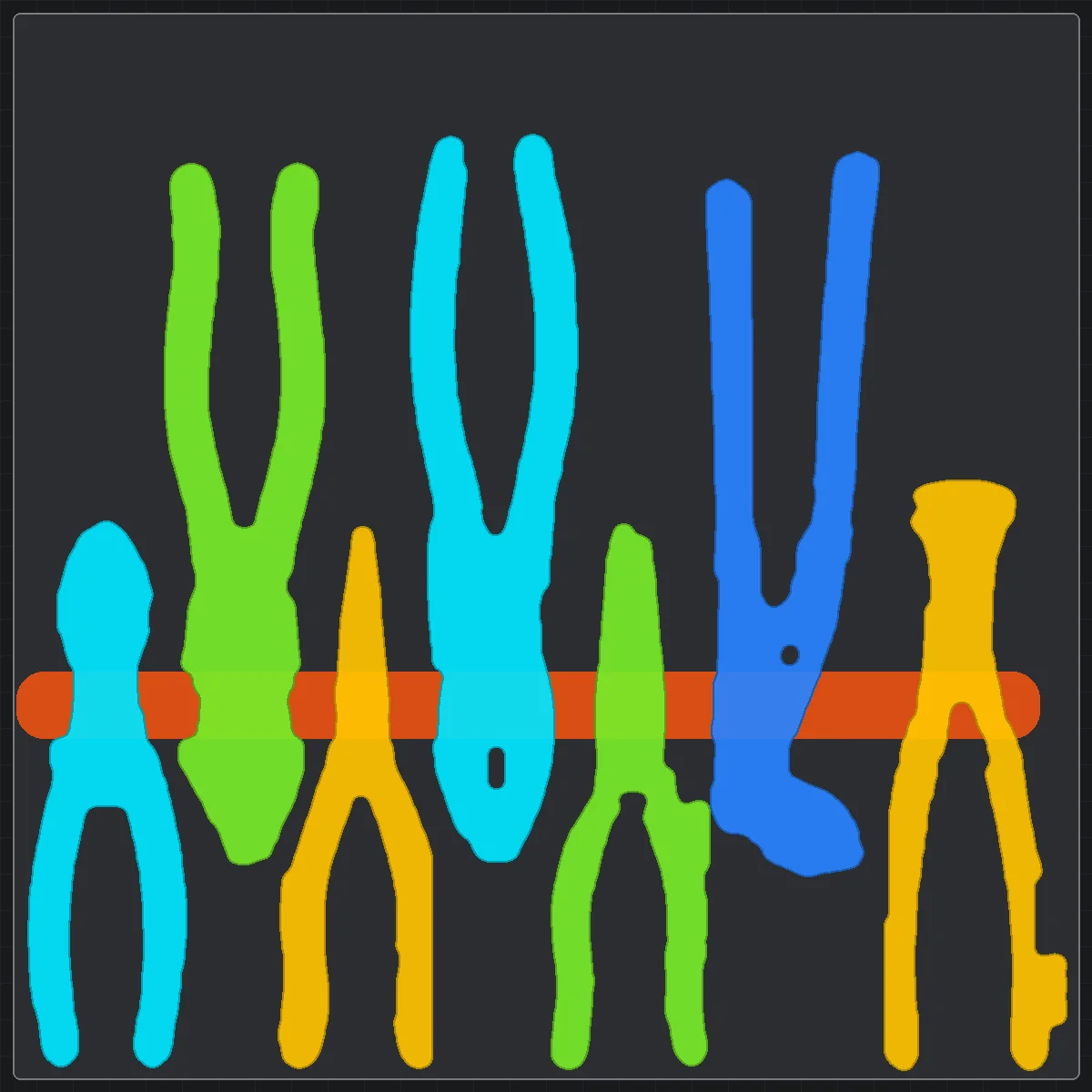
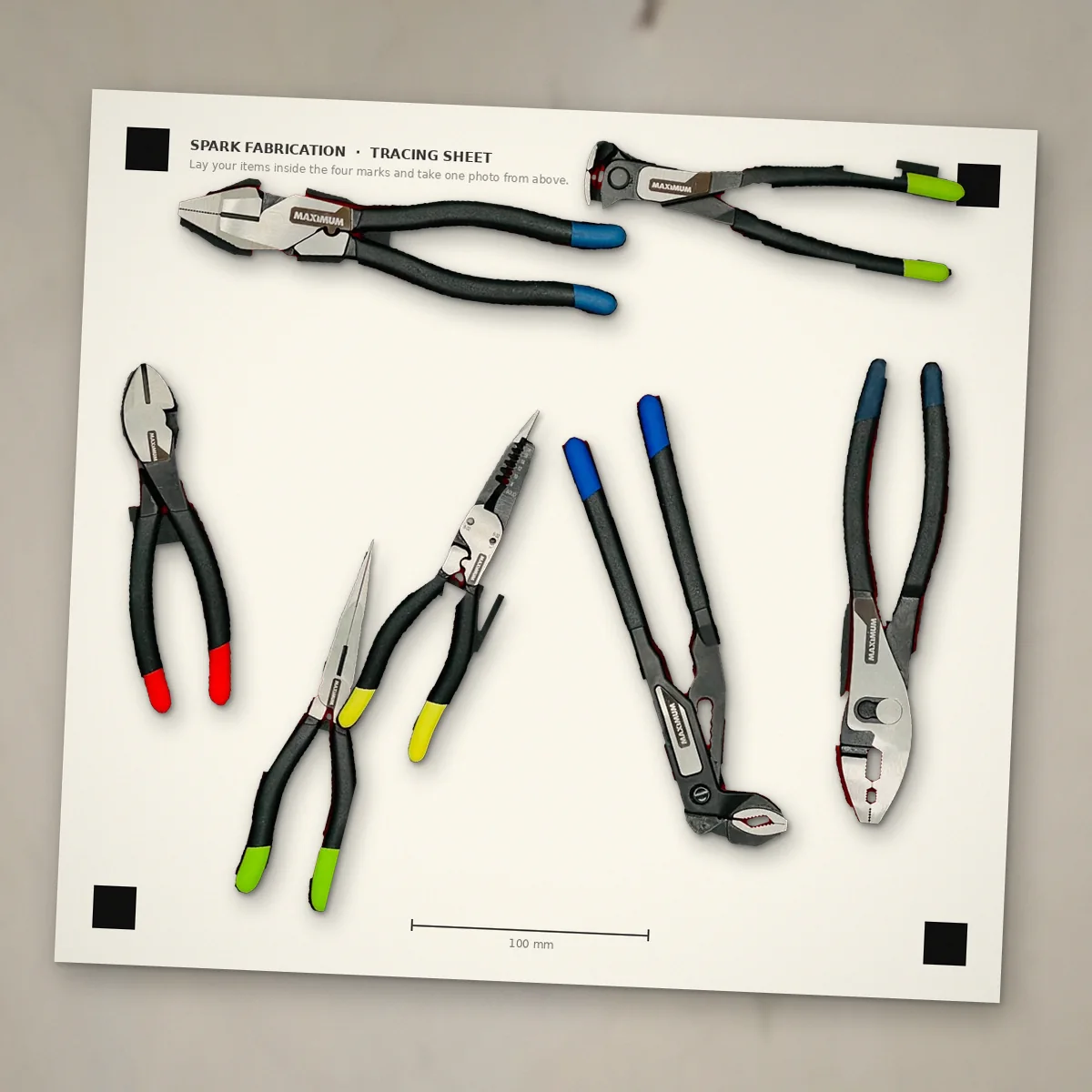
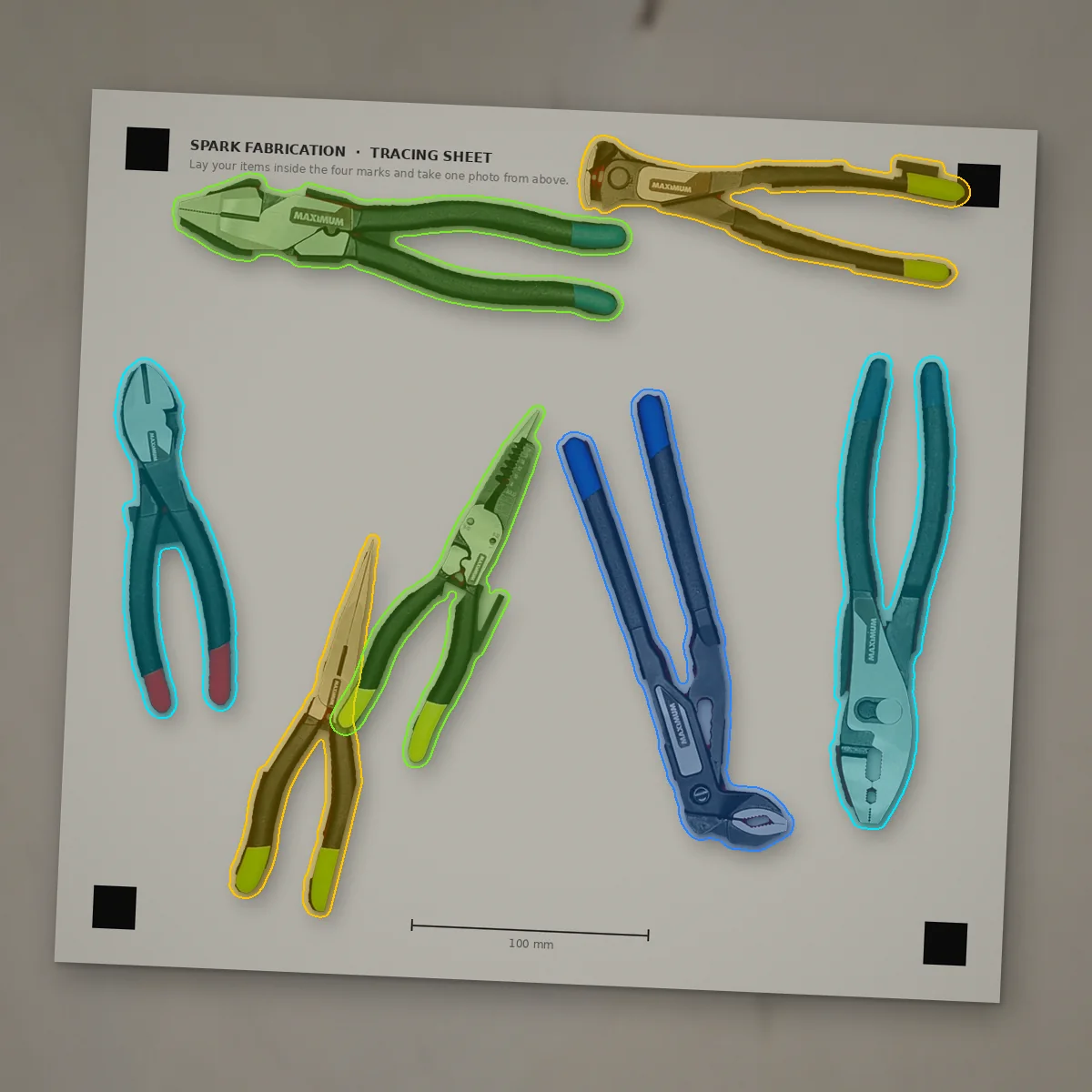
Seven pliers lying on the printed tracing sheet, photographed from aboveYour photo
  1. 1Your photo
  2. 2Your layout
  3. 3Your foam
How it works

Three steps. That's it.

See it on screen
  1. Seven pliers lying on the printed tracing sheet, photographed from above
    1

    Take one photo

    Lay your things on our printed sheet and snap a picture from above.

    Print the sheet, it's free
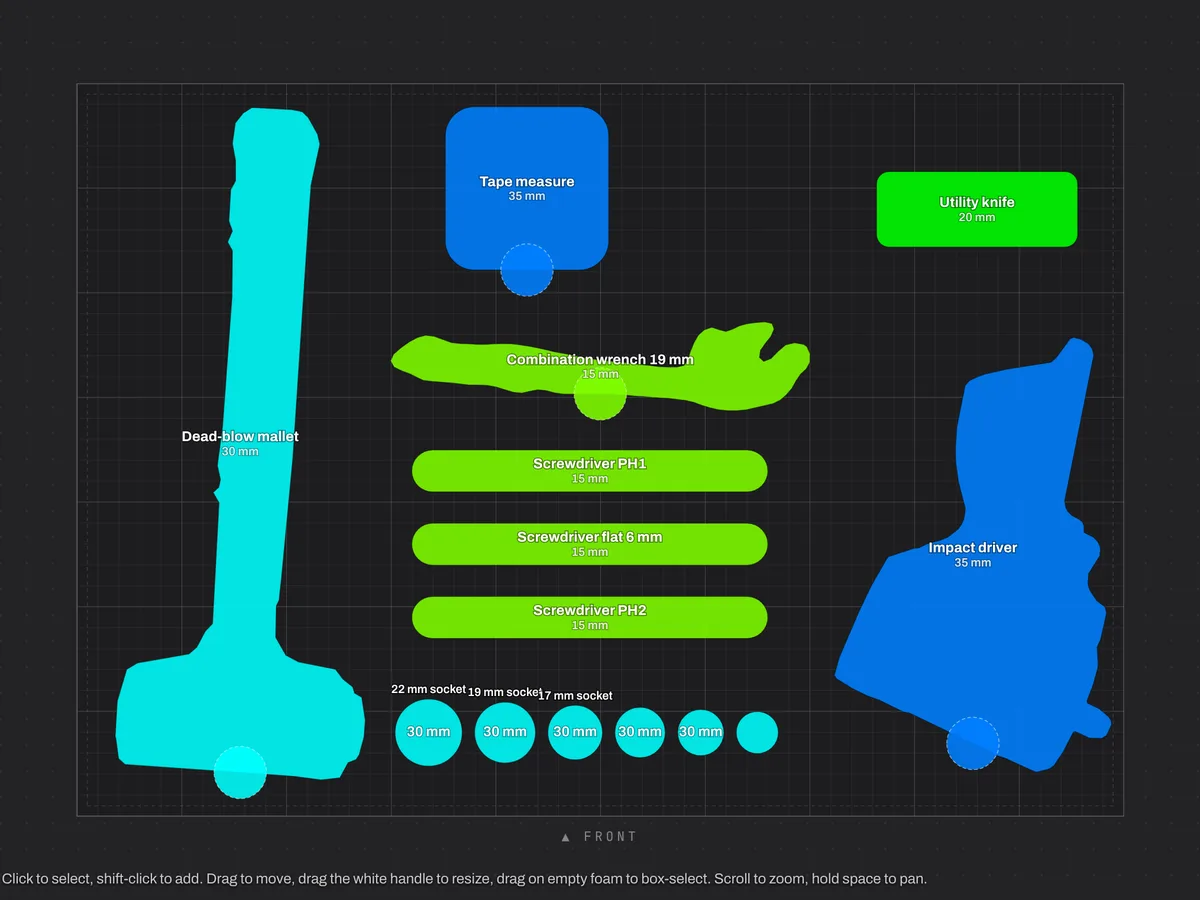
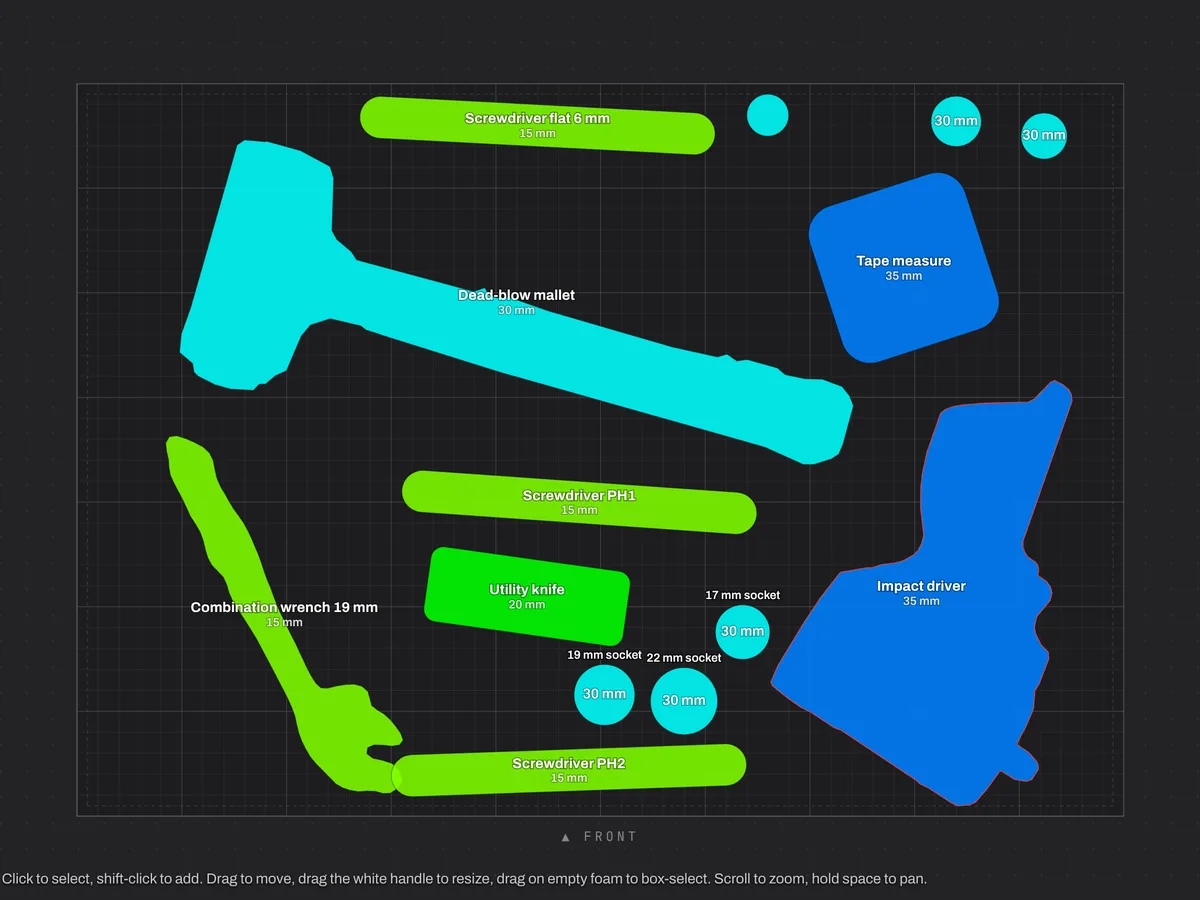
  2. Foam DesignerThe Foam Designer layout: one coloured pocket per tool, lined up on the foam sheetPrice updates as you go
    2

    Arrange the pockets

    The designer outlines every item for you. Drag them where you want them and watch the price.

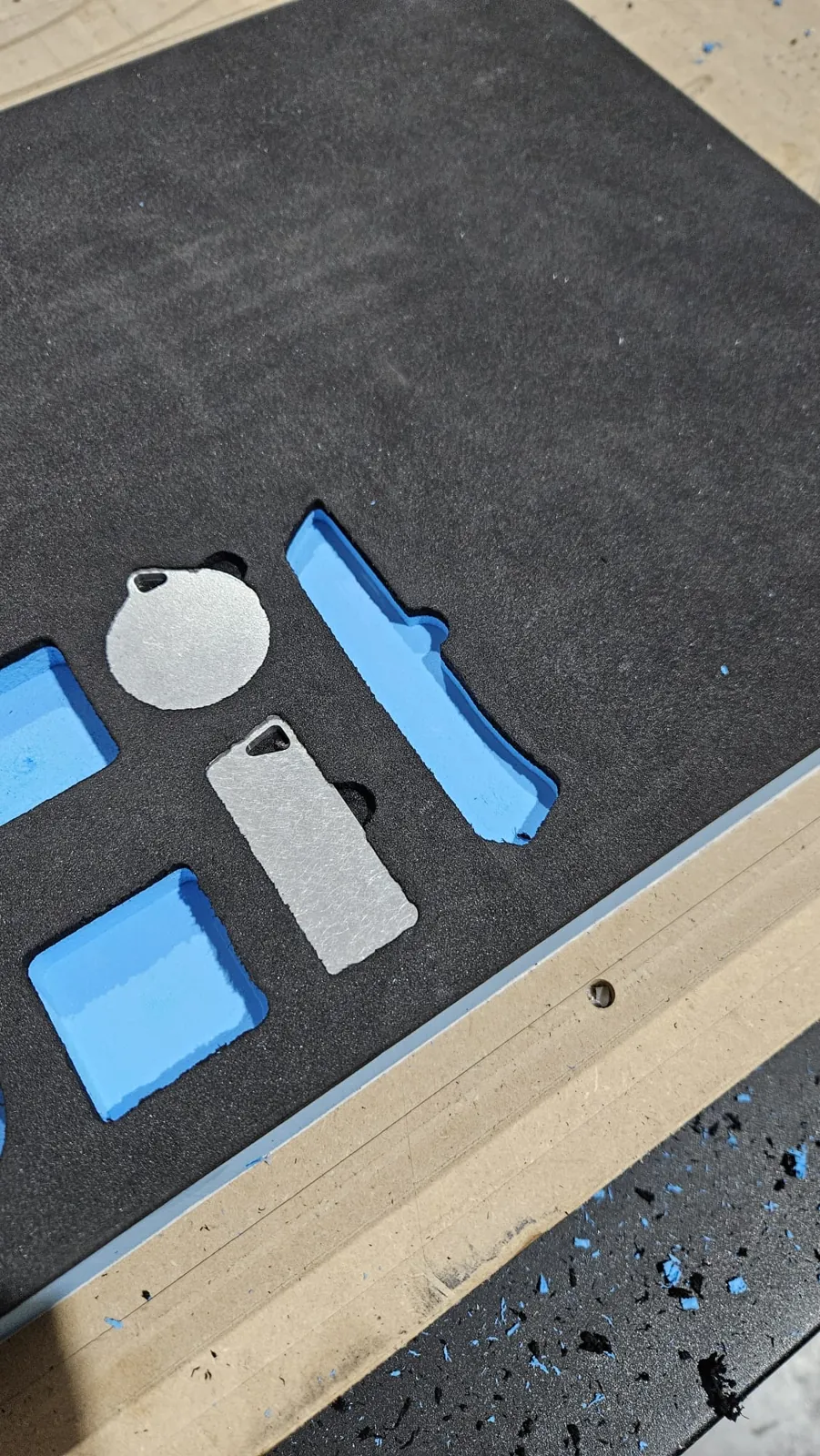
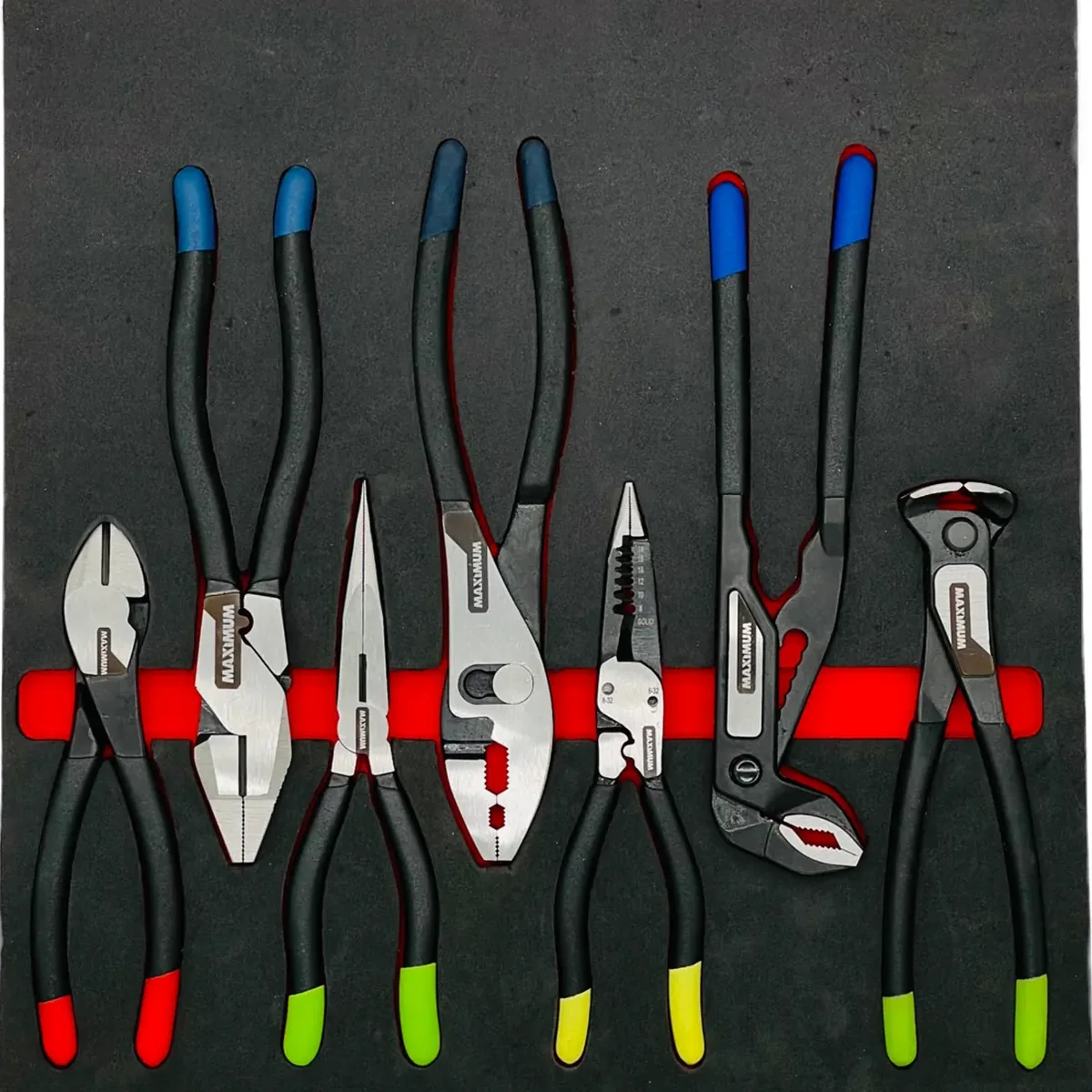
  3. The finished black and red EVA foam insert with every plier in its own pocket
    3

    We cut it and ship it

    Your foam arrives cut to fit, ready to drop into the drawer or case.

Start the Foam Designer Free. No sign-up. You see the price before you order.
The software

This is the screen you'll work in.

Nothing to install. It opens in your browser, and these are real recordings of it.
sparkfab.ca/designer
● Real screen recording
Where you dropped them● Arranged
● Real screen recording
What you get

Pick how you want it.

Have your own router?

Just the cutting files

C$10 a sheet

DXF with one layer per depth, layout PDF, true-scale print check and STL.

Design, then buy the files
Short on time?

We lay it out for you

Free quote

Send a photo of your tools on paper and the size of your case or drawer. We do the layout and send you a link to check.

Send us your tools

Prices in Canadian dollars, before tax and shipping. Need plain sheets instead? Shop the foam store.

Not just tools

If it fits on the sheet, it gets a pocket.

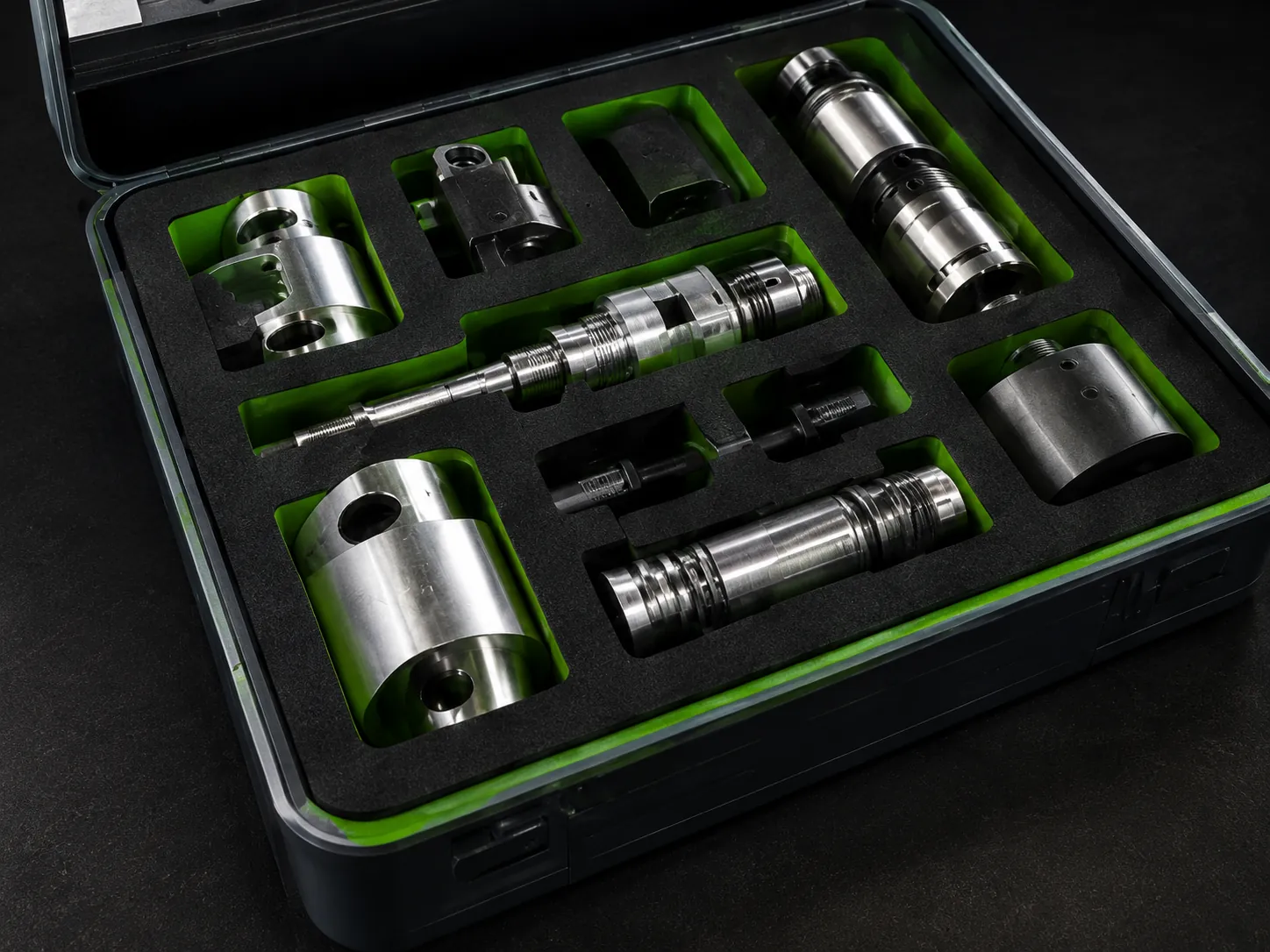
Parts, gauges, cameras, instruments, bottles, products ready to ship.
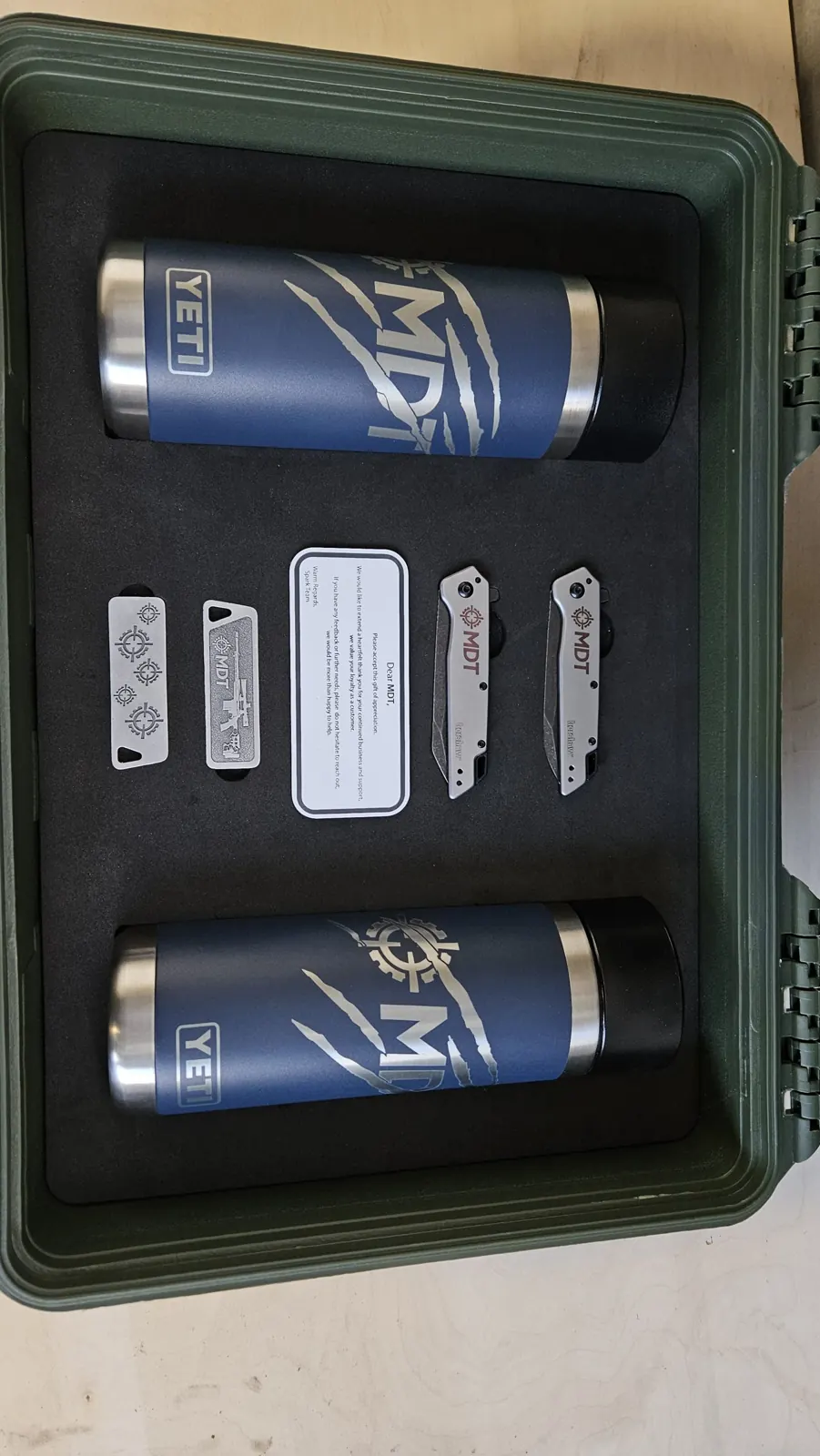
  • Gift setsGift sets
  • Small partsSmall parts
  • Instruments + gaugesInstruments + gauges
  • Equipment casesEquipment cases
  • Packaging traysPackaging trays
Questions

Before you start.

Do I need software or an account to use the designer?

No. The designer is free and runs in your web browser on a computer or tablet, with nothing to install and no sign-up. Save your design and you get a link to come back to it.

How do I get the outline of my tools into the designer?

Print the free tracing sheet, lay your tools on it and take a photo with your phone. The designer straightens the photo from the corner marks and traces each tool. You can also draw pockets by hand or import a DXF.

How much does a custom insert cost?

The designer shows one price as you draw, with the setup included: from C$110 for a single insert, and less each when you order more. It is worked out from router time at C$120 an hour, the foam at cost, C$10 packaging and a one-time C$50 setup per design, before tax. Plain sheets start at C$80.

Which cases and drawers does it fit?

Any of them. You set the sheet size to the inside of your Pelican, Nanuk, Storm or Packout case, or your toolbox drawer, in 20 mm or 50 mm foam. The biggest single sheet is 1.5 × 1.2 m.

How long does it take, and do you ship?

Most single inserts leave the shop within about a week of your order, two for larger jobs. Pick up in Richmond, BC, or we ship anywhere in Canada; the cart shows the rates before you pay.

Ready?

Your things, your layout.

It is free to try and you see the price before you order.

Your photo● Traced
● Draw · drop in · drag · turn · resize
Edge snap follows the real edgeAI check names each tool, flags doubtsTool height corrects the camera angleChrome? the dotted sheet finds it
● Zoomed in on the trace
Where you dropped them● Arranged
● Any size · as many sheets as you like
● 3D view
This drawer, 500 × 350 mm, 50 mm foamC$9035priced live while you designOr cut it yourselfC$10 a sheetDXFSTLPDFShips across Canadafree pick up in Richmond · no minimum
● Cut in Richmond, BC
Free · in your browser

Tracing, layout, 3D and live pricing in one tool.

We built it in our own shop for our own drawers. Design it in a few minutes, then order the insert or just the cutting files.

1 of 7 · TraceSnap one photo. It traces every tool.

Lay your tools on our free printed sheet and take a photo. The designer straightens it, finds every outline and reads the true size from the corner marks.

  • Works with any phone camera
  • Every pocket named and sized
  • Fix any edge by hand in seconds
2 of 7 · ToolsDraw, drop in, drag, turn. Right on the sheet.

Draw a pocket, drop in a circle, drag anything where you want it, turn it with the knob and pull a corner to resize. One key per tool, nothing to learn.

  • Rectangles, circles, slots and free outlines
  • Snap to a grid or turn freely
  • Undo everything
3 of 7 · Smart tracingAccurate to the millimetre. On real tools.

Edges snap to the tool's real outline, thick tools are corrected for the camera angle, and the AI names and checks every pocket. Tested on real tools in our own machine shop.

  • Dotted and green sheets for chrome
  • Fix brush: 'not the tool' / 'is the tool'
  • Clean up to a true circle, box or slot
4 of 7 · Lay outOne click lays out the drawer.

Auto-arrange packs the tools tight and square, front to back, with finger notches where you grab them. Or drag, line up and group them yourself.

  • Names and sizes on every pocket
  • Finger notches with one click
  • Any case or drawer up to 1.5 × 1.2 m
5 of 7 · SheetsEvery drawer, tray and case in one project.

Type the drawer's inside size and the sheet follows. Add a sheet for each drawer, move tools between them, and keep the whole toolbox in one file.

  • Up to 1.5 × 1.2 m a sheet
  • Each sheet priced, printed and cut on its own
  • Save it and come back any time
6 of 7 · 3DSee it in 3D before we cut it.

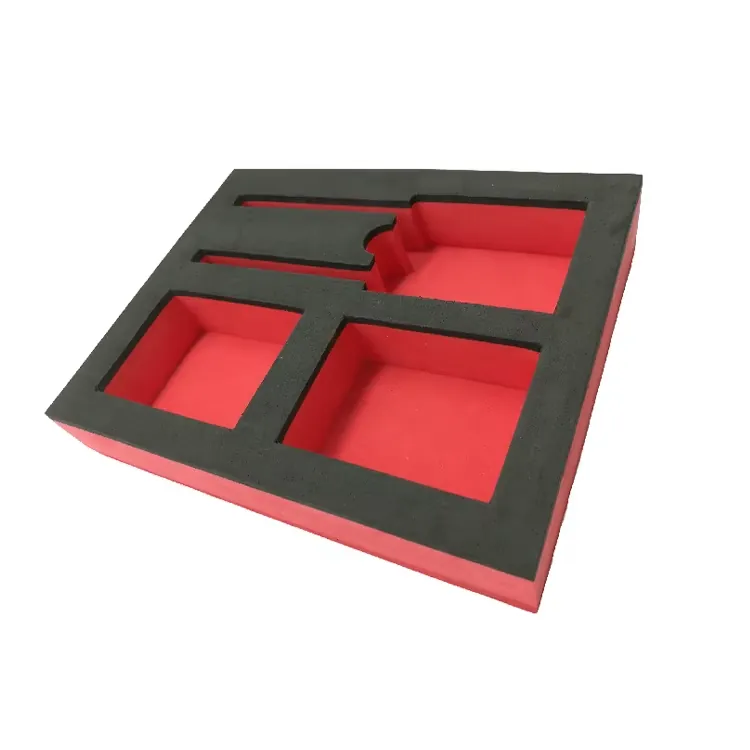
Tilt and turn the finished insert and see the coloured core show through every pocket, so you know exactly what arrives.

  • Two-tone EVA: a missing tool stands out
  • Check depths with a section cut
  • 20 or 50 mm foam
7 of 7 · OrderPrice as you go. Order it, or just the files.

The price updates with every edit. Order the insert and we CNC-cut it in Richmond, BC, or buy the cutting files and cut it on your own machine.

  • No minimum order
  • Cut on our own CNC router
  • Free pick up in Richmond